
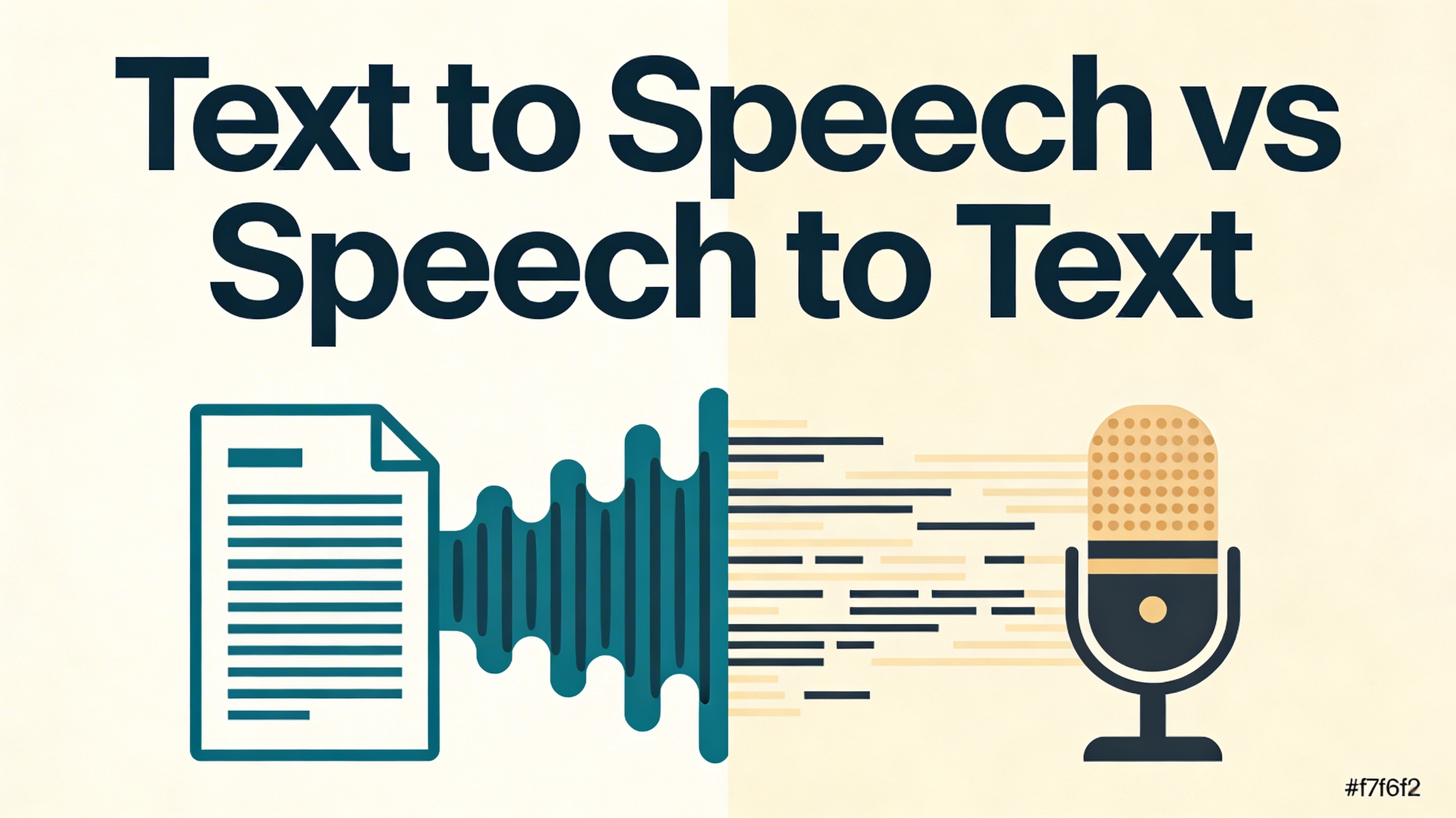
TTS converts written text into spoken audio — you provide text, it plays audio. STT is the reverse — you speak into a microphone, it transcribes your words as written text. They are opposite technologies that are often confused. This guide explains the difference, when to use each, and which free tool is right for your use case.
What Is Text to Speech?
Text to speech (TTS) is the technology that reads written text aloud through a synthesized voice. You provide words as input; the system generates spoken audio as output.
It works by analyzing the characters, words, and punctuation in your input, then generating an audio signal that mimics human speech — with correct intonation, emphasis, and pacing. Modern AI-powered TTS models produce output that sounds remarkably natural.
Other common names for TTS: speech synthesis, voice generation, read-aloud, voice output.
Try free Text to Speech tool — no signup, no install, works instantly in your browser.
What Is Speech to Text?
Speech to text (STT) is the reverse of TTS — it listens to spoken words through your microphone and converts them into written text in real time. You speak; the tool types.
It works by capturing audio from your microphone, analyzing the sound waves to identify words, and outputting a written transcript. Browser-based tools like TextSorter use the Web Speech API, which means your audio is processed by your browser — no audio files are ever uploaded.
Other common names for STT: speech recognition, voice-to-text, dictation, transcription.
Try free Speech to Text tool — live dictation in your browser, no upload required.
TTS vs STT: Key Differences at a Glance
The table below compares the two technologies across the most important dimensions.
| Feature | Text to Speech (TTS) | Speech to Text (STT) |
|---|---|---|
| What it does | Converts text → audio | Converts speech → text |
| Input | Written text (typed or pasted) | Your voice (microphone) |
| Output | Spoken audio | Written transcript |
| Primary use | Listening to content | Creating text by speaking |
| Best for | Accessibility, proofreading, audio content creation | Dictation, transcription, hands-free typing |
| Works offline? | Partially (browser voices) | Partially (browser STT) |
| Privacy | Browser-based = no text sent (browser voices) | Browser-based = no audio uploaded |
| Free at TextSorter? | Yes, unlimited | Yes, unlimited |
When to Use Text to Speech
Use TTS when you want to consume written content through your ears rather than your eyes. Here are the most practical everyday use cases:
Proofreading
Hear your writing read aloud. Instantly reveals awkward phrasing, missing words, and run-on sentences that eyes skip over.
Multitasking
Listen to articles, documents, or notes while commuting, exercising, or cooking. Turn any text into a podcast.
Accessibility
Users with dyslexia, visual impairments, or reading difficulties can access written content without barriers.
Language Learning
Hear correct pronunciation of foreign-language words and phrases. Excellent for vocabulary retention and accent practice.
Content Creation
Convert blog posts or scripts into audio voiceovers for videos, podcasts, and social media content.
Comprehension
Many people retain information better through hearing. Reading and listening simultaneously boosts comprehension and recall.
Browser TTS vs AI TTS: Which Is Right for You?
In 2026 there are two major types of TTS available. The right one depends on whether you need speed and privacy, or broadcast-quality audio.
| Feature | Browser TTS (TextSorter) | AI TTS (e.g. ElevenLabs) |
|---|---|---|
| Cost | Free, unlimited | Free tier available |
| Voice quality | Functional, robotic | Natural, near-human |
| Privacy | 100% local — no data sent | Text sent to provider servers |
| Internet required | No | Yes |
| Best for | Quick proofreading, private use | Voiceovers, content creation, sharing |
Use browser TTS for quick, private tasks. Use AI TTS when the audio quality matters — for videos, podcasts, or content you share with others.
When to Use Speech to Text
Use STT when you want to create written text by speaking instead of typing. Natural speaking speed (120–150 words per minute) is roughly 3× faster than average typing speed (38–40 WPM).
Faster Writing
Speaking your first draft is 3× faster than typing. Perfect for emails, blog drafts, notes, and messages.
Transcription
Transcribe meetings, interviews, podcasts, or voice memos into searchable, editable text in real time.
Hands-Free
Capture ideas while driving, cooking, or exercising. Works whenever your hands are occupied.
Accessibility
Enables users with motor impairments, RSI, or conditions that make typing difficult to write without limitations.
Brainstorming
Speaking ideas freely and watching them appear as text is a natural, friction-free brainstorming flow.
Quick Messages
Dictate emails, social posts, and messages faster than typing. Works for any text field on your device.
Browser STT vs AI Transcription: Which Is Right for You?
| Feature | Browser STT (TextSorter) | AI Transcription Services |
|---|---|---|
| Cost | Free, unlimited | Paid or freemium |
| Input type | Live microphone | Audio file upload |
| Privacy | No file upload needed | File sent to server |
| Best for | Live dictation, real-time transcription | Long pre-recorded files, multi-speaker audio |
| Internet required | Yes (uses browser API) | Yes |
TTS vs STT: Which Do You Need?
Ask yourself one question: Are you converting text into audio, or audio into text? Text → Audio means TTS. Audio → Text means STT.
Decision Guide
How Text to Speech Works
Modern TTS systems follow a two-stage pipeline that transforms raw characters into natural-sounding speech:
- Text analysis: The system reads the input, identifies words, punctuation, and sentence structure, and builds a linguistic representation — determining which syllables to stress, where to pause, and how to inflect questions versus statements.
- Speech synthesis: A neural network converts the linguistic representation into an audio waveform. The model was trained on thousands of hours of human speech, learning natural cadence, breath patterns, and emotional tone.
AI TTS in 2026 can match specific speaker identities, adjust speaking style (formal, casual, energetic), and handle complex linguistic nuance including sarcasm and emphasis.
How Speech to Text Works
STT systems process audio through a multi-step recognition pipeline:
- Audio capture: A microphone captures sound waves and converts them into a digital audio signal.
- Feature extraction: The system analyzes the audio signal, identifying frequencies corresponding to different phonemes — the basic sounds of spoken language.
- Language modeling: A deep learning model maps the phoneme sequence to the most probable word sequence, accounting for grammar, context, and common phrases.
- Output: The transcribed text is returned, with punctuation inferred from speech patterns such as sentence-ending pauses and rising intonation for questions.
Browser STT (Web Speech API) performs this processing using the browser's built-in speech recognition engine — which is why it requires an internet connection even though no audio file is uploaded to TextSorter's servers.
Accuracy in 2026: What to Expect
TTS accuracy is near-perfect for standard written text. Modern AI TTS handles virtually all words correctly, including technical terms, proper nouns, and abbreviations — though unusual proper names may occasionally be mispronounced. You can work around this by spelling words phonetically.
STT accuracy is highly context-dependent. For everyday English in a quiet environment with a clear microphone, browser STT achieves 90–95% accuracy. Several factors influence output quality:
- Microphone quality: A good microphone produces significantly better results.
- Accent and speech clarity: Standard English accents achieve the highest accuracy. Regional and non-native accents may require more corrections.
- Background noise: Speaking in a quiet environment dramatically improves accuracy.
- Technical vocabulary: General STT models may struggle with highly specialized jargon, product names, or acronyms.
Privacy: Which Is Safer?
Both TextSorter tools are designed to protect your data by processing as much as possible within your browser:
- TTS (browser voices): Your text is processed entirely in your browser using the operating system's built-in voice engine. No text is sent anywhere. For AI TTS, your text is sent to the provider's servers to generate natural-sounding audio.
- STT (browser recognition): Your audio is processed via the browser's built-in Web Speech API. No audio file is uploaded to TextSorter's servers, and nothing is stored by TextSorter.
For maximum privacy: use the browser voice option for TTS, and use TextSorter's STT for live dictation. For the highest-quality audio output, AI TTS is worth the trade-off.
Try Both Tools Free
No signup, no installation, no data stored. Both tools work entirely in your browser.